In your cart
When you check off an item, it moves to the In your cart section at the bottom of the list — keeping active items visible while preserving what you've already collected.
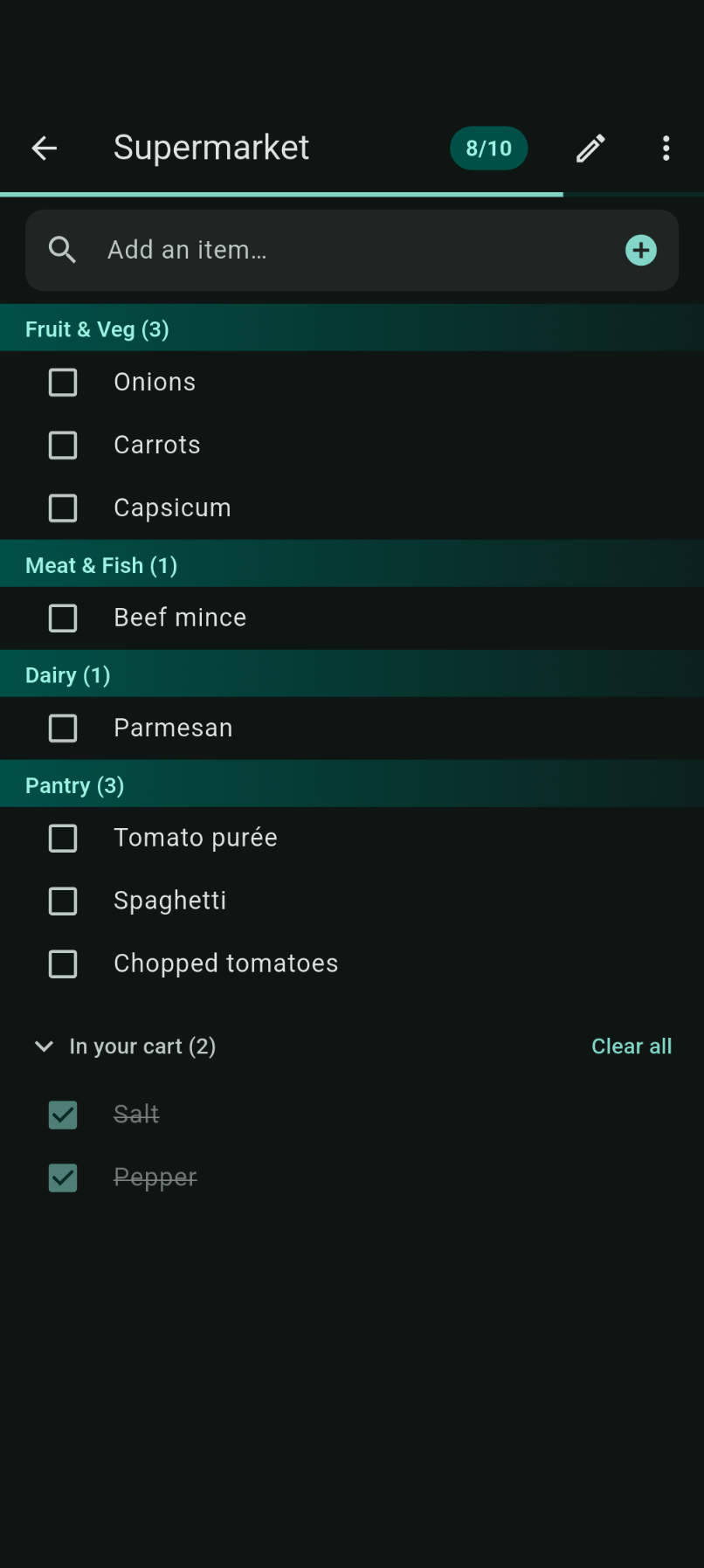
Checked items
Completed items appear with:
- A filled teal checkbox
- Strikethrough text at reduced opacity
- Grouping under the collapsible In your cart header
Collapsing the section
Tap the In your cart header to expand or collapse the section. This helps focus on remaining items when you're nearly done.
Clear all
When you've finished shopping, tap Clear all in the In your cart header to remove all completed items at once and start fresh for your next trip.
Bulk checkout
Checking off several items quickly at checkout (within about 2 seconds of each other) is detected as bulk checkout. These events still count for learning but are weighted less heavily so they don't skew your aisle-by-aisle order.