Multiple lists
List Pilot supports separate shopping lists for different stores or occasions — a weekly supermarket run, a hardware store trip, or a party shopping list.
Creating lists
From the main List Pilot screen, tap + to create a new list. Each list has its own:
- Items and completion state
- Learned check-off order (independent per list)
- Name (editable from the list screen)
Switching between lists
Tap any list on the overview screen to open it. Use the back button to return to the overview and pick a different list.
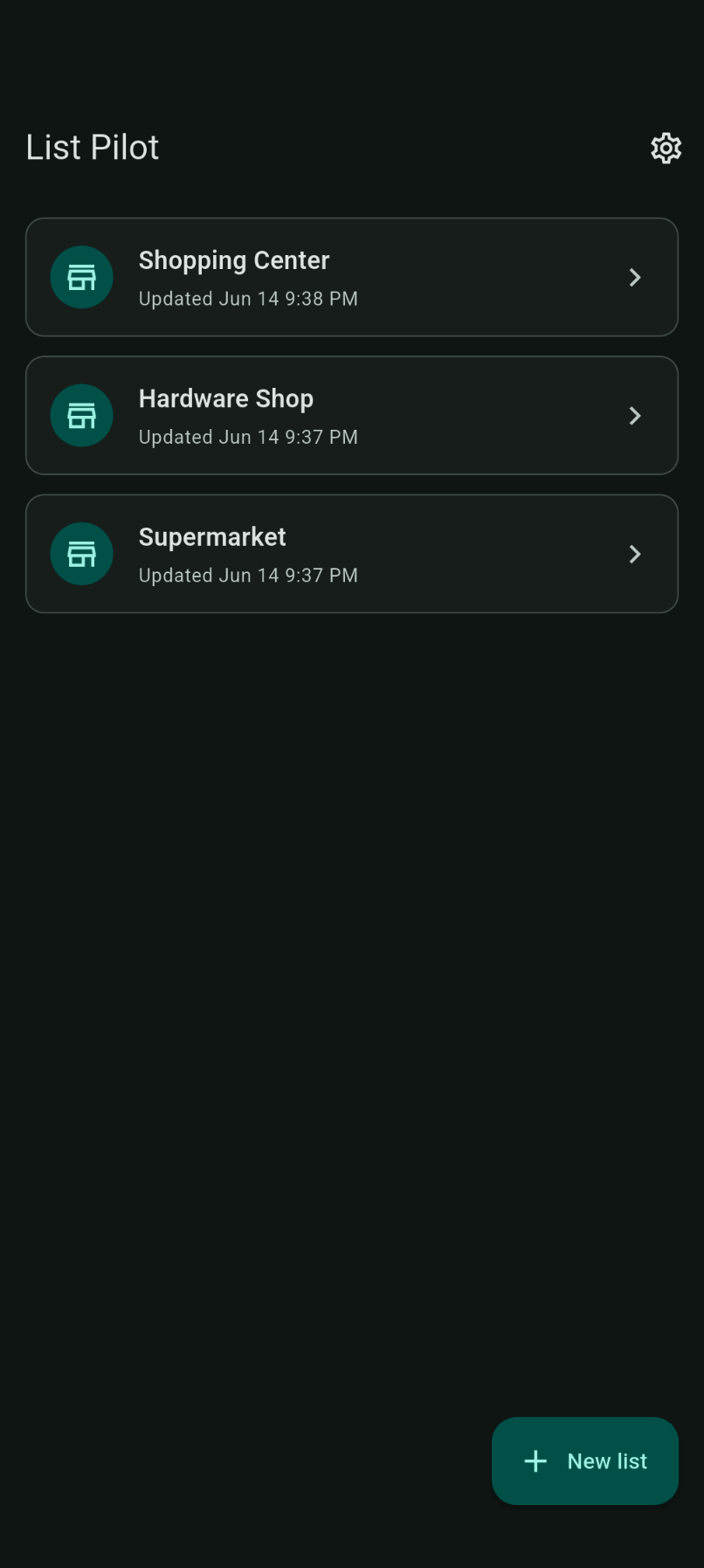
List Pilot supports different lists for different shops — each shop has its own ordering memory.
Separate stores
Create one list per store if your route through each differs. Smart ordering learns independently for each list.
Renaming a list
Open a list and tap the pencil icon in the app bar to rename it.
Deleting a list
From the lists overview, swipe or use the list menu to delete a list you no longer need.